Shred the Secrets Room 2 Guide: FBI Jump Scare & Reset
Shred the Secrets Room 2 guide with frames: the first FBI jump scare and Look Away warning, the upgrade reset back to 1 sheet and the Room 2 re-buy.
Last updated: 2026-09-17
Quick answer
Room 2 is where Shred the Secrets stops being a tutorial. Two things happen on this floor, and both are logged as video-reported on our rooms reference: the FBI makes his first jump-scare appearance, and cash-bought upgrades reset for the first time — Shred Amount falls back to 1 sheet per pass until you re-buy. The FBI part in one line: he flashes into the room under a red light with a "Look Away!" warning overhead, and staring at him drains your health — the longer you look, the worse it gets. He is not on a schedule: there is no fixed arrival timer, some recorded runs go most of an hour without a sighting, and our canonical FBI answer stays in the full walkthrough. The reset part: every room sells its own upgrades — Shredder Speed, Carry Amount, Automatic Shredder and Shred Amount — and none of it carries over, so each floor starts with slow hand-cranked machines until you re-buy at the new counter (the economics live on upgrades). Getting caught on purpose is a different page's job: that is the It's Not What It Looks Like capture badge (its own guide). And if the scares get rough, the Night Guard class cuts FBI damage from 30% up to 70% as it levels (classes).
How Room 2 plays out
- 1
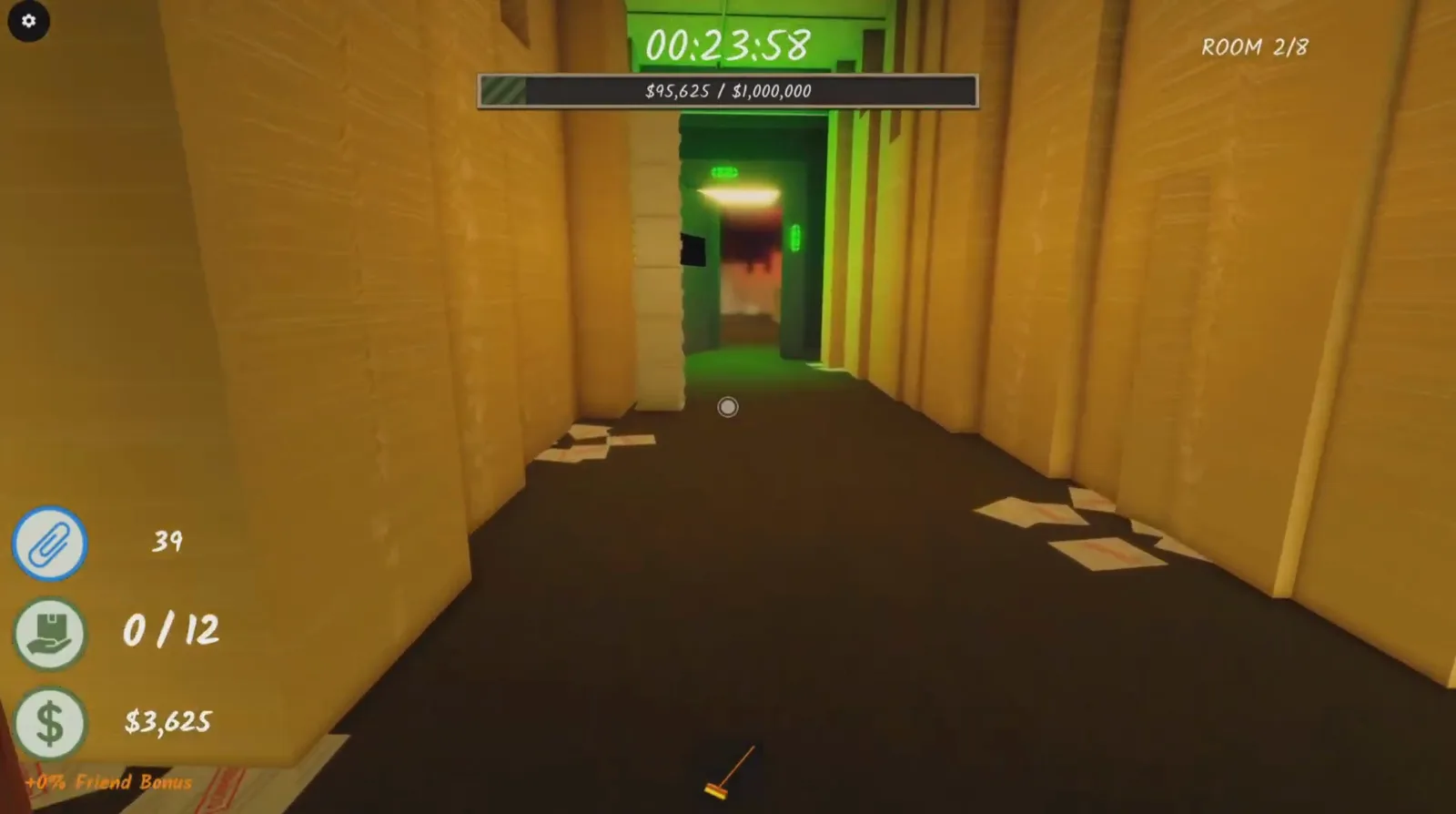
Walk through the green corridor. When Room 1 is clear enough, its exit unlocks and a green-lit corridor leads down to Room 2; the counter flips to ROOM 2. In our primary recording the door even opened with piles still standing — the player read it as "you got to get a certain amount of that pile done and then it will let you through." Version note: that recording was made on an earlier 8-room build (its HUD reads ROOM 2/8); the current map counts 12 rooms, so treat the number as version-dependent and the sequence as the constant (rooms).
- 2
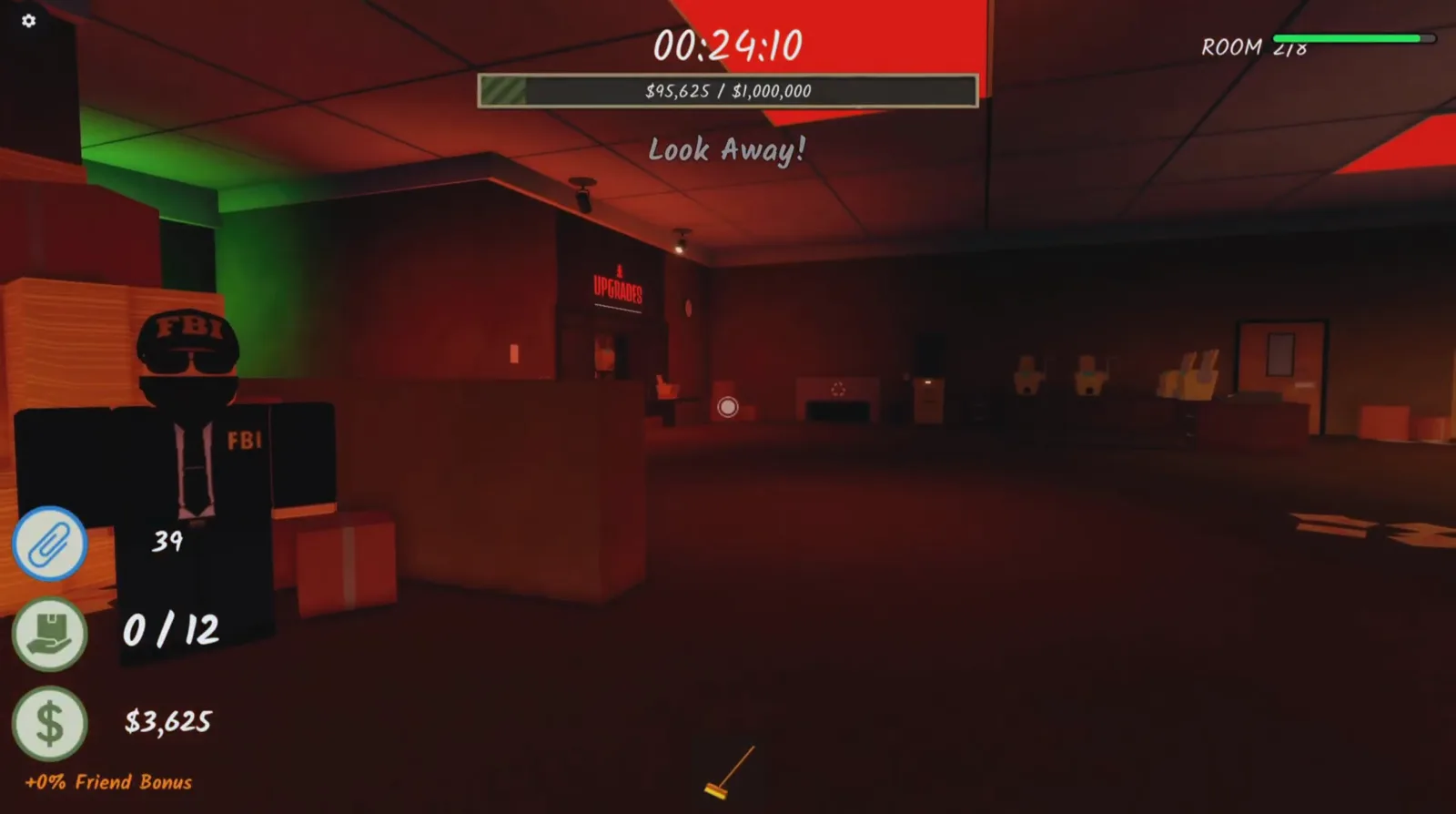
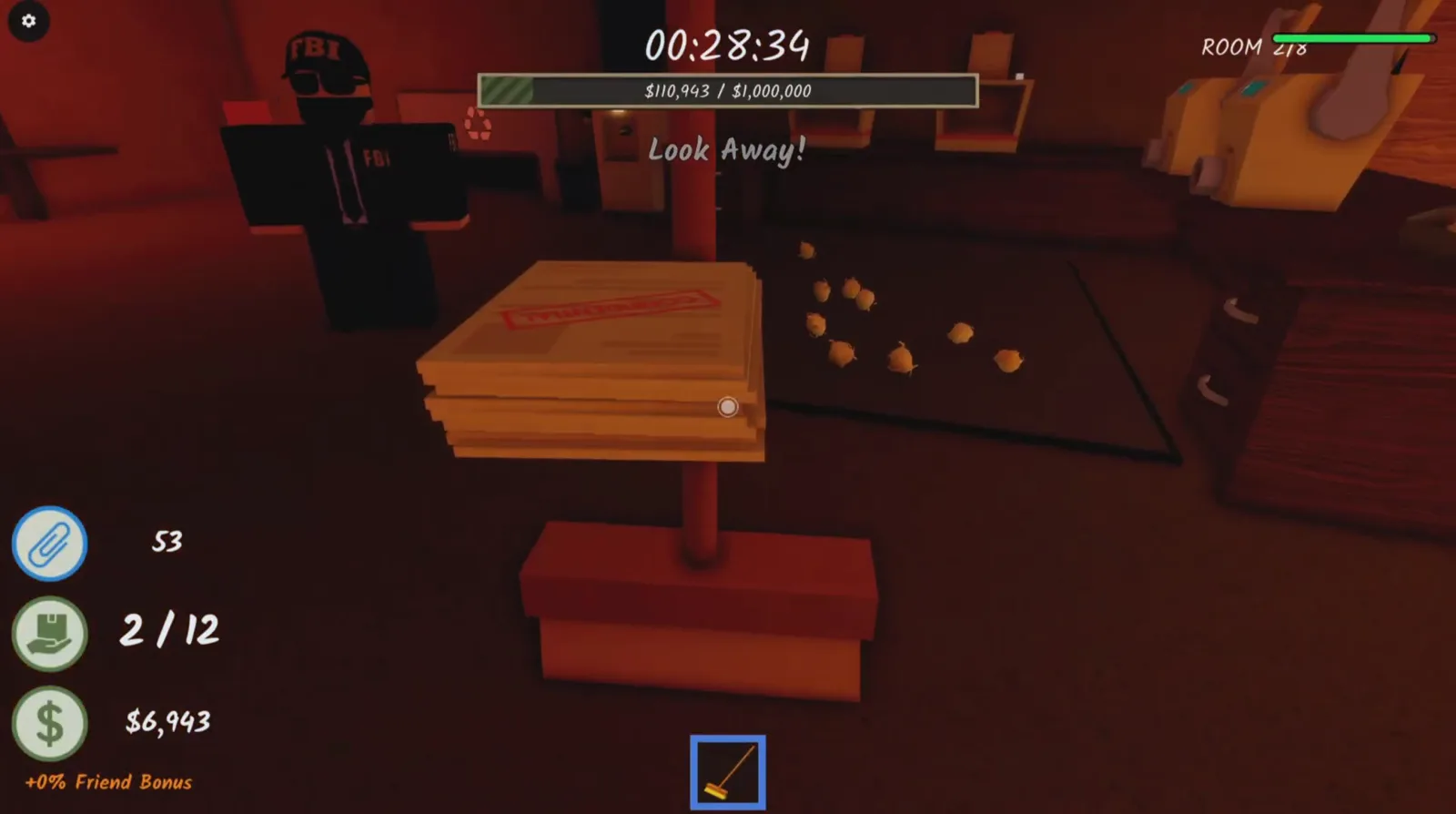
Expect the FBI's first jump scare — but not at a fixed time. In the recording above he flashed in seconds after the counter flipped, red light washing the room, "Look Away!" over his head. The canonical rule from our walkthrough: from Room 2 onward he appears at random, and there is no fixed arrival timer.
- 3
Obey the warning. Swing the camera off him and keep shredding. Staring at the agent drains health — the longer you look, the more damage you take. Deliberately holding the stare is how you get caught, and that capture badge has its own page: It's Not What It Looks Like.
- 4
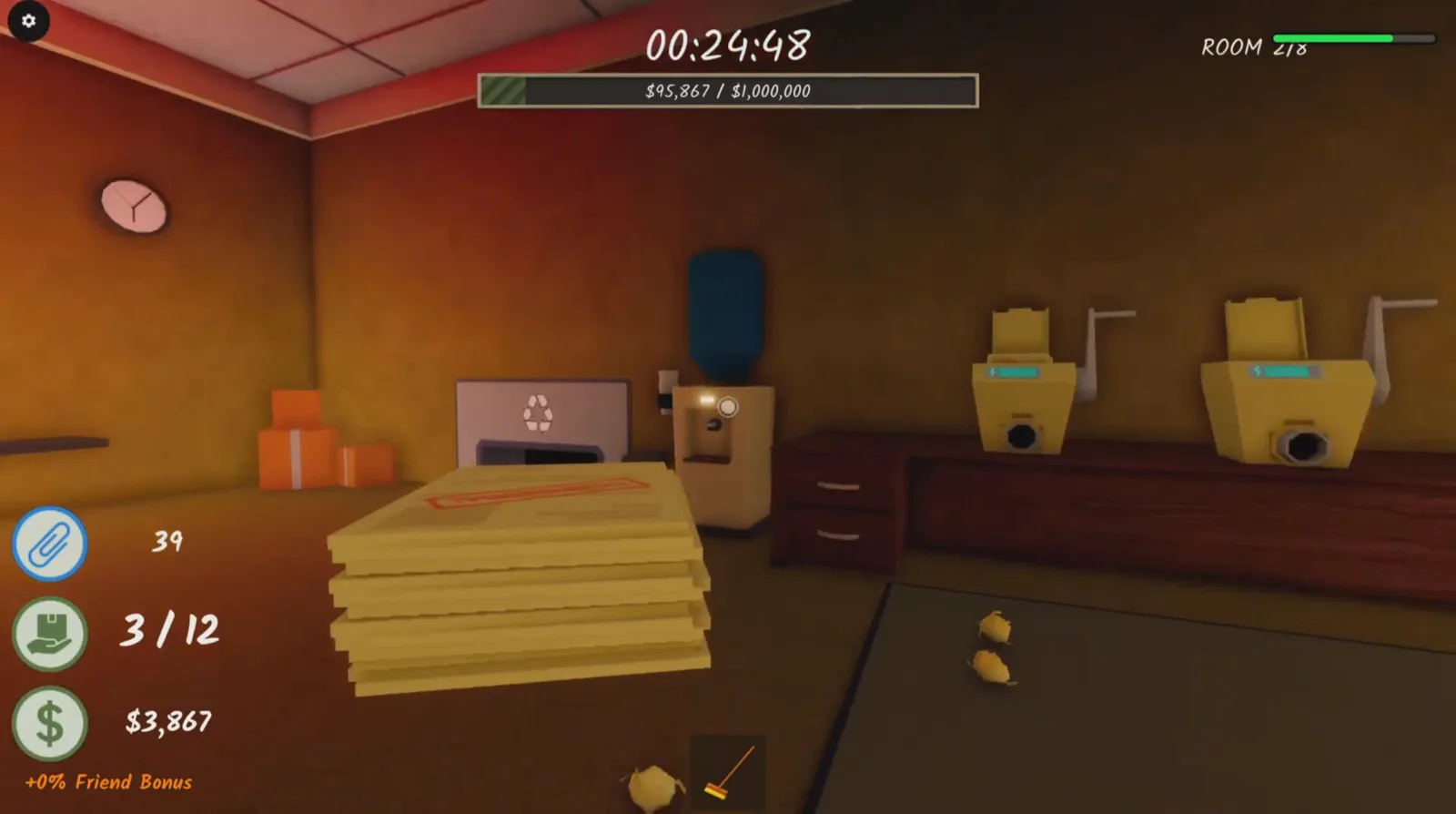
Notice the reset. Your money-bought upgrades are gone on arrival: Shred Amount is back to 1 sheet per pass and the automatics are manual crank machines again. The recording's player put it plainly: "I don't like that it doesn't carry over." That mid-run warning is exactly what the rooms table logs for Room 2.
- 5
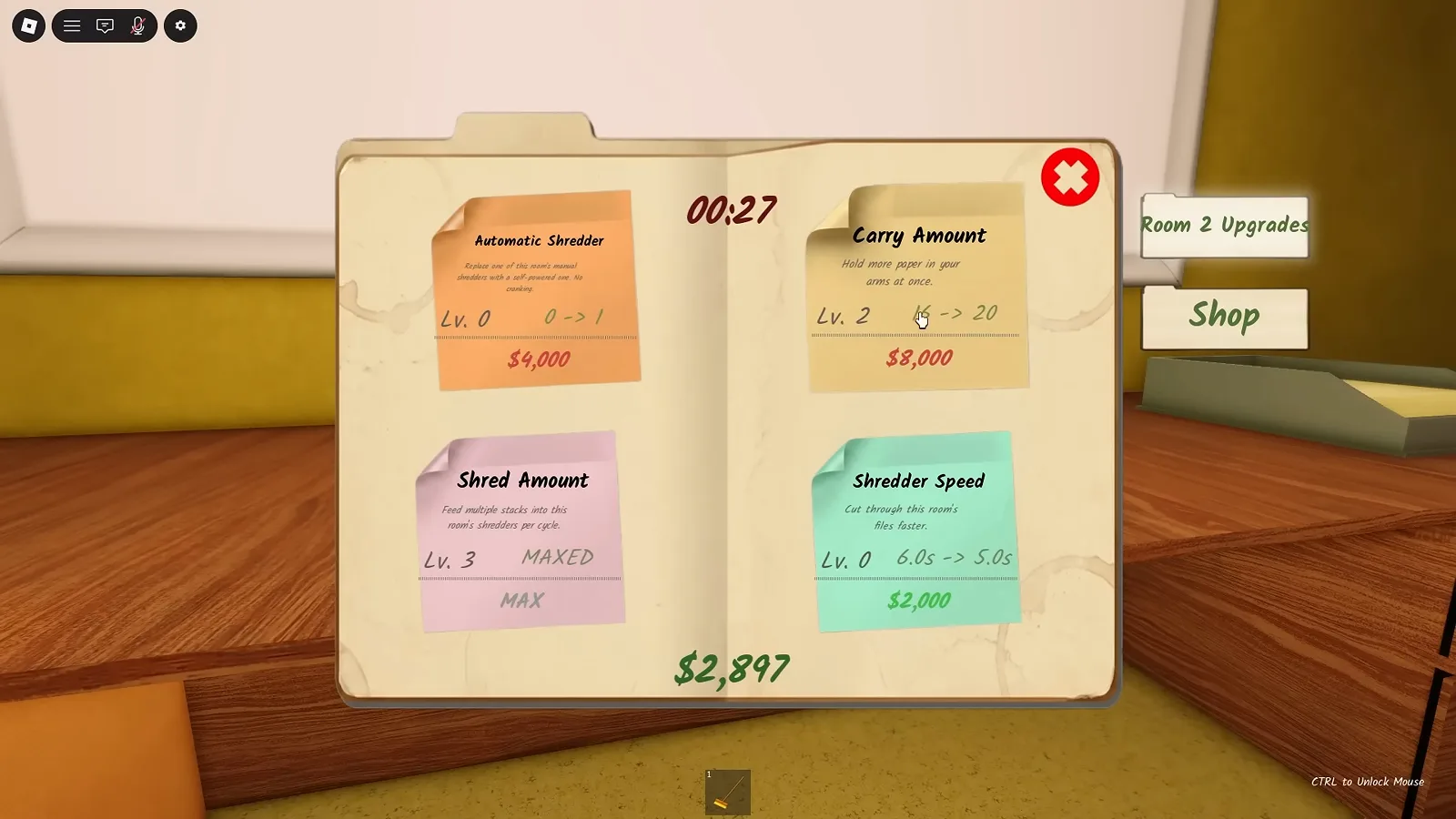
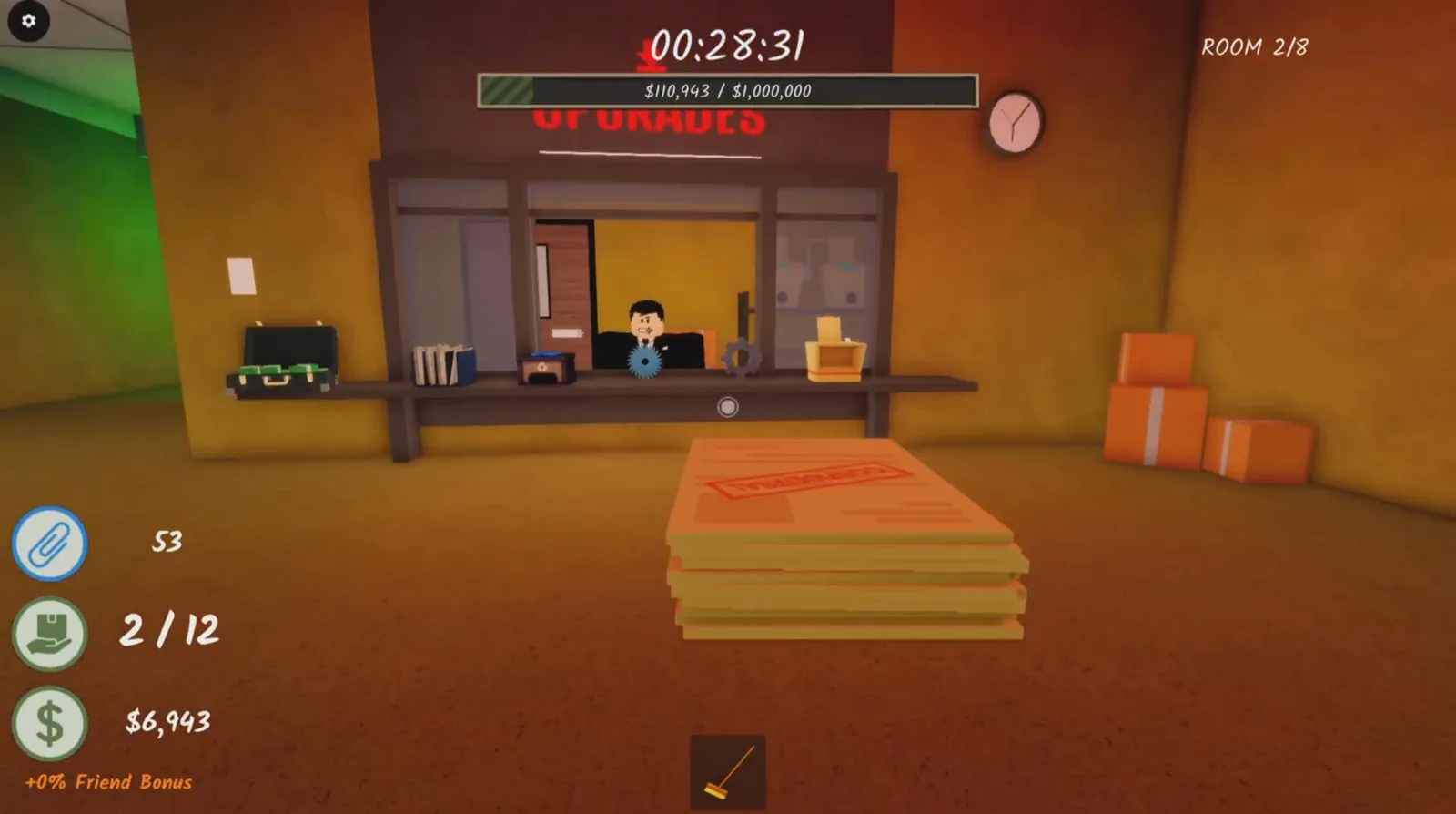
Re-buy at the Room 2 shop. Every floor has its own UPGRADER counter, and the Room 2 board sells the same four cards — Shredder Speed, Carry Amount, Automatic Shredder, Shred Amount. Community buy order: Shred Amount first, more paper per pass is the fastest money (upgrades).
- 6
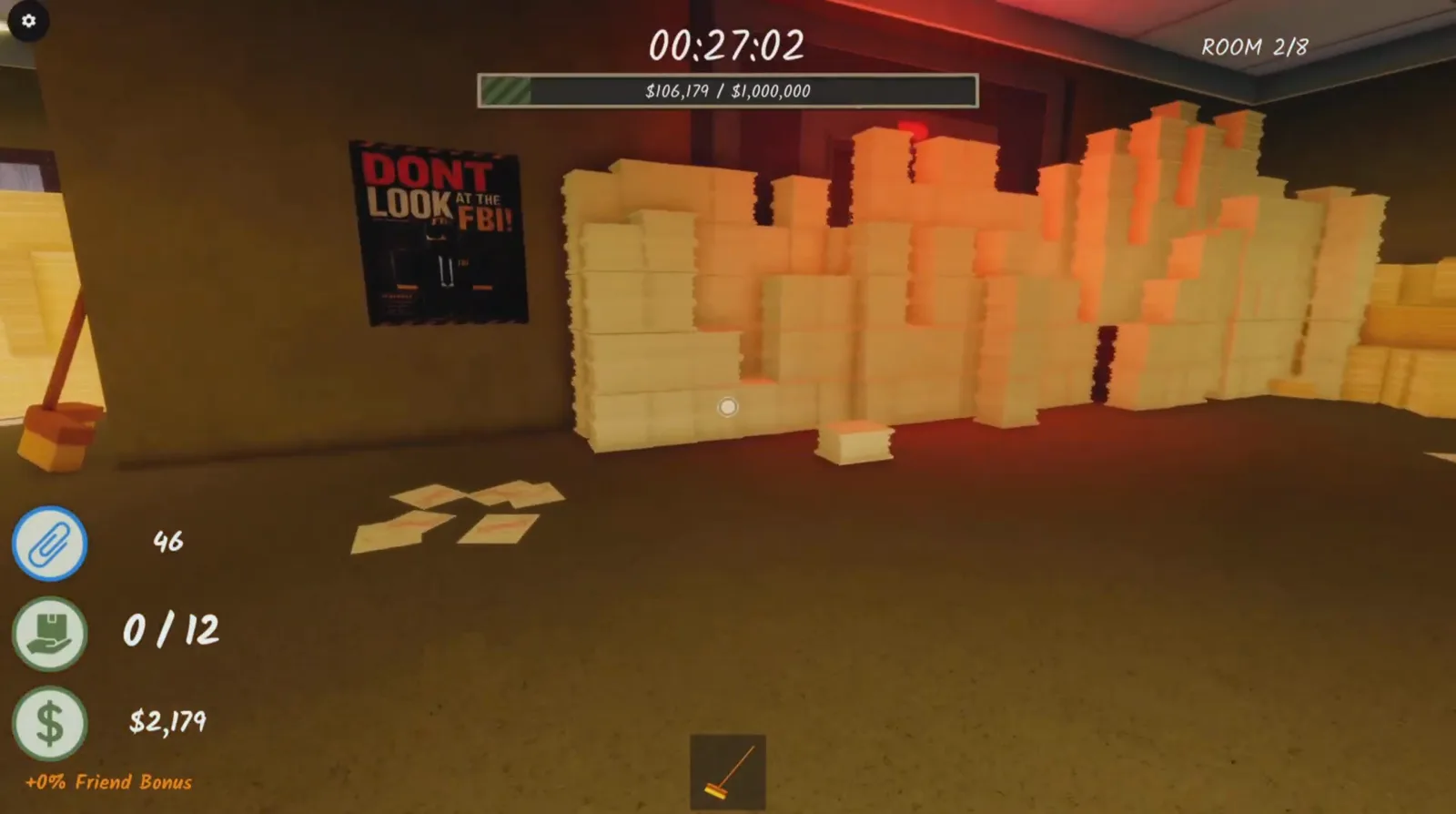
Work the floor. Room 2 is a red-lit office ringed by floor-to-ceiling paper towers: grab stacks, feed the shredders, crank or re-buy the automatics, vacuum the scraps into the bin. The walls even post a DON'T LOOK AT THE FBI! poster — the room announces its gimmick.
- 7
Treat every later sighting the same way. The red light and the "Look Away!" text repeat across the run; the counter never changes — look away, keep working. If the health chip gets scary, the Night Guard class reduces FBI damage by 30% at level 1, 50% at level 2 and 70% at level 3, community-reported numbers with a 300 Paperclips unlock (classes). Then push on: the floors ahead hold the filing cabinets, the button maze and the Room 8 finale.
Room 2 FAQ
Room 2 is his first stop — our rooms reference logs "FBI first appears (jump scare)" for this floor, video-reported. There is no fixed arrival timer: agents appear as random jump scares from Room 2 onward, and some recorded runs go most of an hour without a single sighting. In one recording he flashed in seconds after the ROOM 2 counter appeared; in others players wait. What stays constant is the warning: a red wash and "Look Away!" over his head. The full timer answer lives in our walkthrough.
Yes — the rule of thumb from video guides: staring at the agent drains your health, and the longer you look, the more damage you take. The game even tells you the counter-move with the "Look Away!" warning. If you want to be caught on purpose, that is the It's Not What It Looks Like badge, and its capture walkthrough stays on its own page — this Room 2 page only covers his first appearance.
Because upgrades reset every room — Room 2 is just the first time it hits. The levels you bought with cash (Automatic Shredder, Shred Amount, Shredder Speed, Carry Amount) do not carry between floors, so Shred Amount is back to 1 sheet per pass and the automatics are manual crank machines until you re-buy at the new room's shop. The fix is routine: visit the UPGRADER counter in each new room, Shred Amount first. Costs, tiers and the buy order live on upgrades, with the Shred Amount ladder on its dedicated page.
The Night Guard — the defensive pick in our classes coverage. Community-reported numbers from video guides: level 1 cuts FBI damage by 30%, level 2 raises that to 50% (and stops cobwebs slowing you later), and level 3 reaches 70% FBI damage reduction on top of double health regen and +10% walk speed. The class menu lists the unlock at 300 Paperclips (footage-observed, may change with updates). If you play solo and the Room 2 scares keep chipping you, this is the class built for it.
Shred the floor down until the exit unlocks. In our recording the previous door opened once "a certain amount of that pile" was done — with paper still standing — so the exit is quota-gated rather than demanding a perfect clear (a single recording's observation, not an officially documented rule). Practical loop: keep stacks feeding the shredders, keep the bin clear, re-buy Shred Amount early so the pace never stalls. When the next corridor glows green, walk through and the counter rolls to Room 3 — the full floor order lives on rooms.
Not automatically. Room 2 is only where the FBI first starts appearing — being flashed at is a scare, not an award. The badge tied to him is It's Not What It Looks Like ("Get caught by the FBI"), and earning it means deliberately holding the stare until you are caught, which is a whole procedure with its own steps: see the It's Not What It Looks Like guide. Badge hunting in general — including the rarest ones — lives in our all badges guide.
Related guides and pages
Rooms Reference
RoomsThe floor-by-floor table this page quotes from — what every room adds, gate-kept by the 12-room build order — /rooms.
It's Not What It Looks Like
BadgeThe FBI capture badge this page deliberately does not cover — official text "Get caught by the FBI" — /its-not-what-it-looks-like.
Upgrades Hub
EconomyWhat the per-room reset costs you and the buy order that fixes it — /upgrades.
Room 8 Guide
RoomsWhere the run ends: the side room, the secret document and the FBI's return with a cat — /room-8.
Full Walkthrough
GuideThe canonical FBI timing answer and the room-by-room run book — /guides/walkthrough.
Sources & data notes
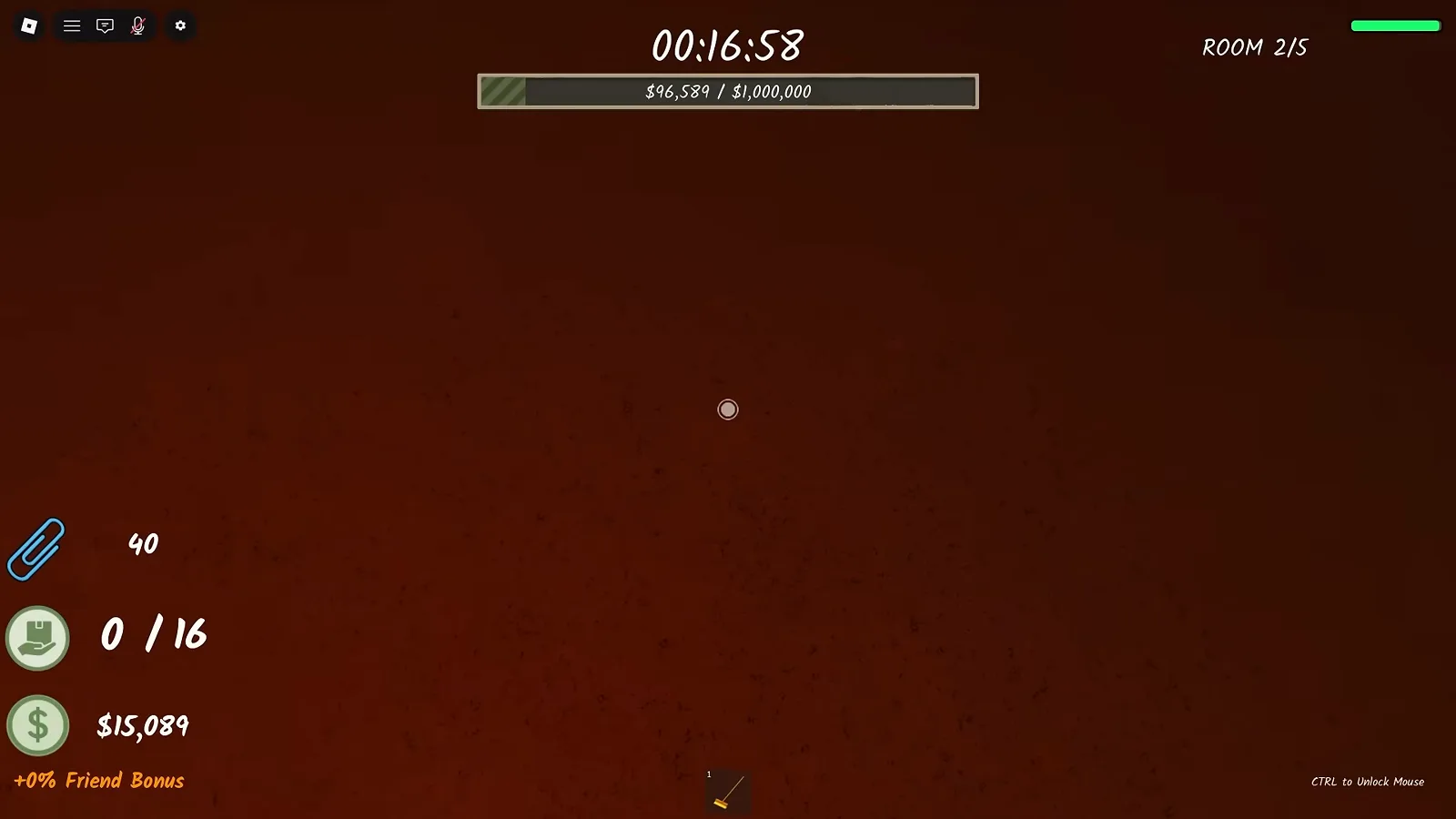
Game facts on this page come from the repository — the Room 2 row of the rooms table ("FBI first appears (jump scare); upgrades reset — Shred Amount back to 1 sheet", video-reported), the FBI timing answer in our walkthrough, the Night Guard levels on classes and the reset economics on upgrades — cross-checked against one primary recording: Johnaldblox, I SHREDDED Every SECRET in Roblox! 😱🔥 (Shred the Secrets) (uploaded 2026-08-29, recorded on the earlier 8-room build — its HUD reads ROOM 2/8). Every caption carries its source timestamp and the deep links use ?t= seconds: the green corridor into Room 2 (?t=1428), the first jump scare with the Look Away warning seconds later (?t=1440), the crank-only shredder bench after the reset (?t=1478), the DON'T LOOK AT THE FBI! poster (?t=1612), the UPGRADER counter (?t=1701) and a later sighting (?t=1704). Two cross-source frames come from OTTER ON ROBLOX, they forced me to SHRED important documents in Roblox... (2026-07-26, clean-proven elsewhere on the site; its HUD reads ROOM 2/5 — an even earlier build): the jump-scare close-up (?t=658) and the Room 2 Upgrades board (?t=750) — both seconds are distinct from the frames /room-8 already took from that recording, and the board's visible prices are version-specific observations, not current economics. Candidates considered and dropped this run: Azrilich Roblox (3OGL3HMsAp4, 2026-08-02, pre-[SAVING] upload window — not frame-verified) and K_doctor (tpq0j2aYaWQ, Spanish-language, unused). Still UNKNOWN: the staring-damage formula (only the Night Guard percentages are community-reported), any spawn odds or schedule (the only certainty is that there is no fixed timer), and whether Room 2 shop prices differ between builds. Badge intent note: everything about getting caught on purpose stays on It's Not What It Looks Like; rare-badge hunting lives in the all badges guide.